Note
Go to the end to download the full example code.
Rigid-body bounce with IPC contact
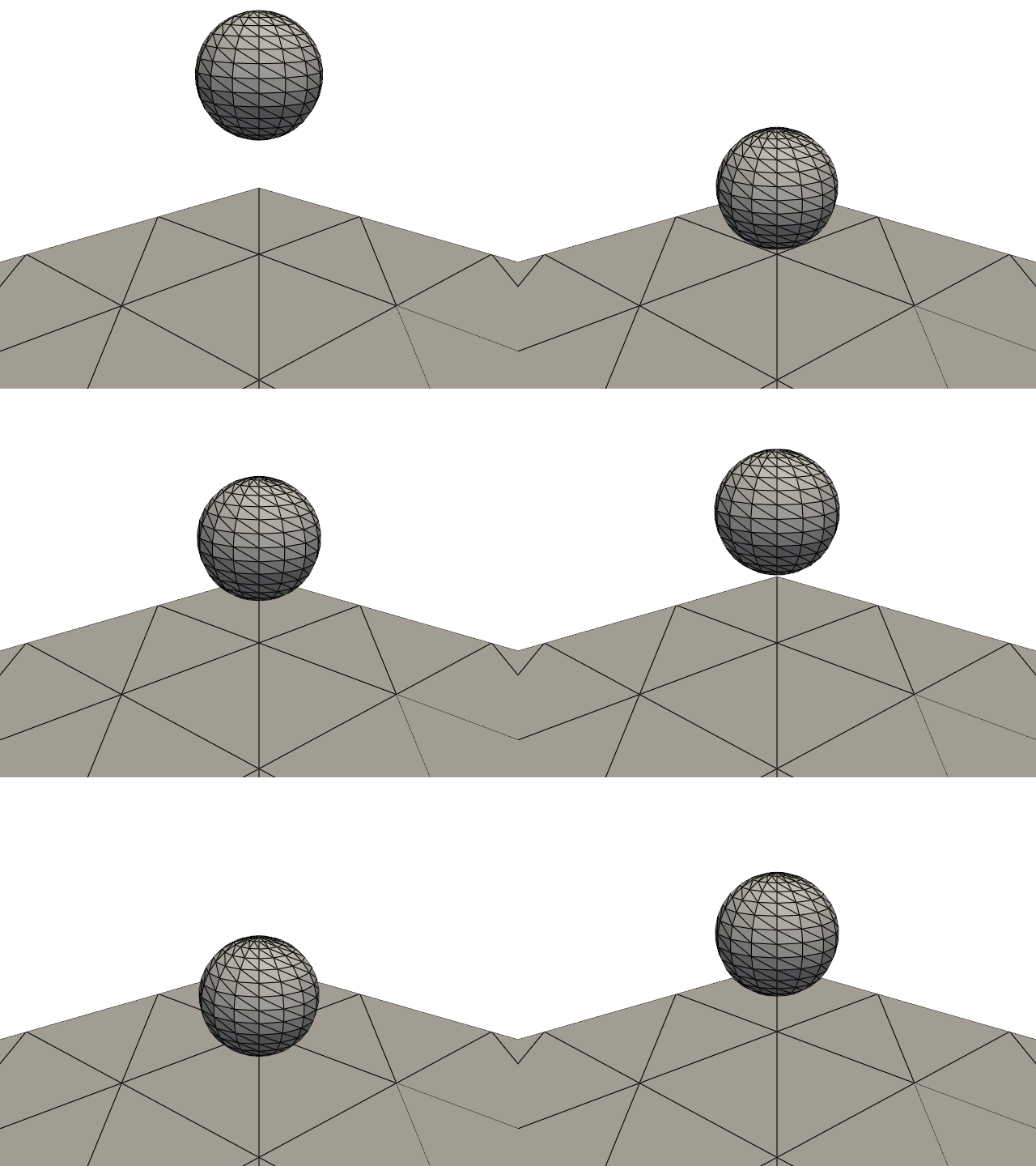
This example lets a rigid sphere fall under gravity and bounce on a fixed plane. It illustrates the rigid-body constraint, Newmark time integration, and IPC contact with a deliberately coarse model suitable for the online example gallery.
The longer, higher-resolution demonstration is available in Rigid sphere bouncing on an analytic plane (IPC, Rayleigh damping).
This example requires ipctk.
import os

import numpy as np
import pyvista as pv

import fedoo as fd
Model
Only the rigid body’s six generalized degrees of freedom are integrated; the surface meshes describe the contact geometry.
gravity = 9.81
mass = 1.0
radius = 0.1
initial_height = 0.4

space = fd.ModelingSpace("3D")
space.new_variable("DispX")
space.new_variable("DispY")
space.new_variable("DispZ")
space.new_vector("Disp", ("DispX", "DispY", "DispZ"))

sphere_mesh = fd.Mesh.from_pyvista(
    pv.Sphere(
        radius=radius,
        center=(0, 0, initial_height),
        theta_resolution=16,
        phi_resolution=16,
    )
)
floor_mesh = fd.Mesh.from_pyvista(
    pv.Plane(
        center=(0, 0, 0),
        direction=(0, 0, 1),
        i_size=1.0,
        j_size=1.0,
        i_resolution=3,
        j_resolution=3,
    ).triangulate(),
    name="Floor",
)

body = fd.constraint.RigidBody(
    sphere_mesh,
    mass=mass,
    inertia_tensor=(2 / 5) * mass * radius**2 * np.eye(3),
    center_of_mass=np.array([0, 0, initial_height]),
)
body.set_force([0, 0, -mass * gravity])
body.set_rayleigh_damping(0.5)
body.set_static_obstacle(floor_mesh, dhat=0.01, kappa=1e8)
Transient solution
The output interval limits the trajectory to a small number of animation frames. The time step is also larger than in the standalone demonstration to keep documentation builds reasonably short.
problem = fd.problem.NonLinear(body.assembly)
problem.set_time_integrator(fd.time.SECOND_ORDER, fd.time.Newmark())
os.makedirs("results", exist_ok=True)
results = problem.add_output(
    "results/rigid_body_bounce_gallery",
    ["Disp", "RigidDisp", "RigidRot"],
    include_static_obstacles=True,
)

dt = 2e-3
problem.nlsolve(
    dt=dt,
    dt_max=dt,
    tmax=0.8,
    update_dt=True,
    print_info=0,
    interval_output=0.04,
)
Animation
fedoo.MultiFrameDataSet.write_movie() loads and plots the saved frames
automatically. Since the output includes static obstacles, the floor is
present in the movie without any additional PyVista animation code.
plotter = pv.Plotter(window_size=(640, 480), off_screen=True)
plotter.camera_position = [(0.8, -0.8, 0.55), (0, 0, 0.2), (0, 0, 1)]
results.write_movie(
    "rigid_body_bounce.gif",
    framerate=15,
    plotter=plotter,
    show_edges=True,
)
Total running time of the script: (0 minutes 12.245 seconds)